How to transcribe drum fills by slowing and looping them
At full speed a fill is a blur with a crash on the end. To get it, do what drummers have always done. Slow it down and play it again. The only change is that the record is on your phone and the loop is two taps. I'm a drummer. This is the method I use in Practice Player.
Mark the fill with two points
Drop a point the bar before the fill and one right after the crash, then Set Start on the first and Set End on the second. The loop guide walks through it.
Give the loop a bar of lead-in, not just the fill. You want to hear where the fill leaves the groove. That is usually where the sticking starts, not on the "and" you think it starts on.
Loop it at half speed
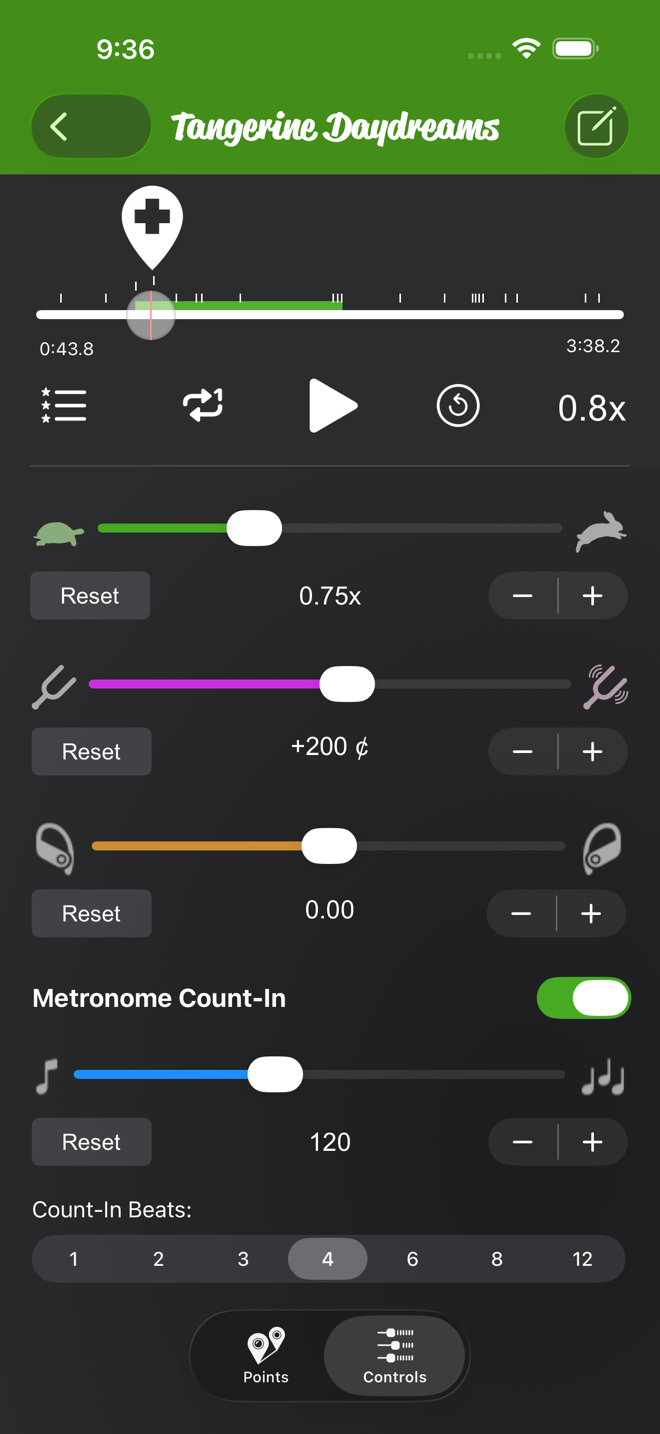
Looping is on by default, so the section now repeats. Set the speed to around 0.5x. The half-speed guide shows how. The pitch stays where it is on your own files. On Apple Music songs the speed still changes, but the pitch control is dimmed.
At half speed a sixteenth-note fill turns into eighth notes you can count. If it is still a blur, go lower. The slider goes to 0.33x out of the box, and Min Speed in Advanced Settings takes it down to 0.2x.
Turn on Metronome Count-In and set the song's BPM. The count-in scales with the speed. The loop starts on a count every time, so you always know which beat the fill lands on.
Pan toward the drums
On a lot of records the kit sits a little to one side of the mix, and the toms are spread left to right. The pan slider on Controls pushes the balance toward one channel. Drag it toward the side the drums live on and whatever is panned the other way drops back. Nothing gets cut. It just gets quieter. That is often enough to hear the floor tom under a bass note.
Pan, like pitch, only works on files the app can read directly. That means your own files, your recordings, and songs you bought or ripped and downloaded to the phone. On Apple Music subscription songs, streamed or downloaded, it is dimmed. Speed and looping work on everything.
Write the sticking into the point
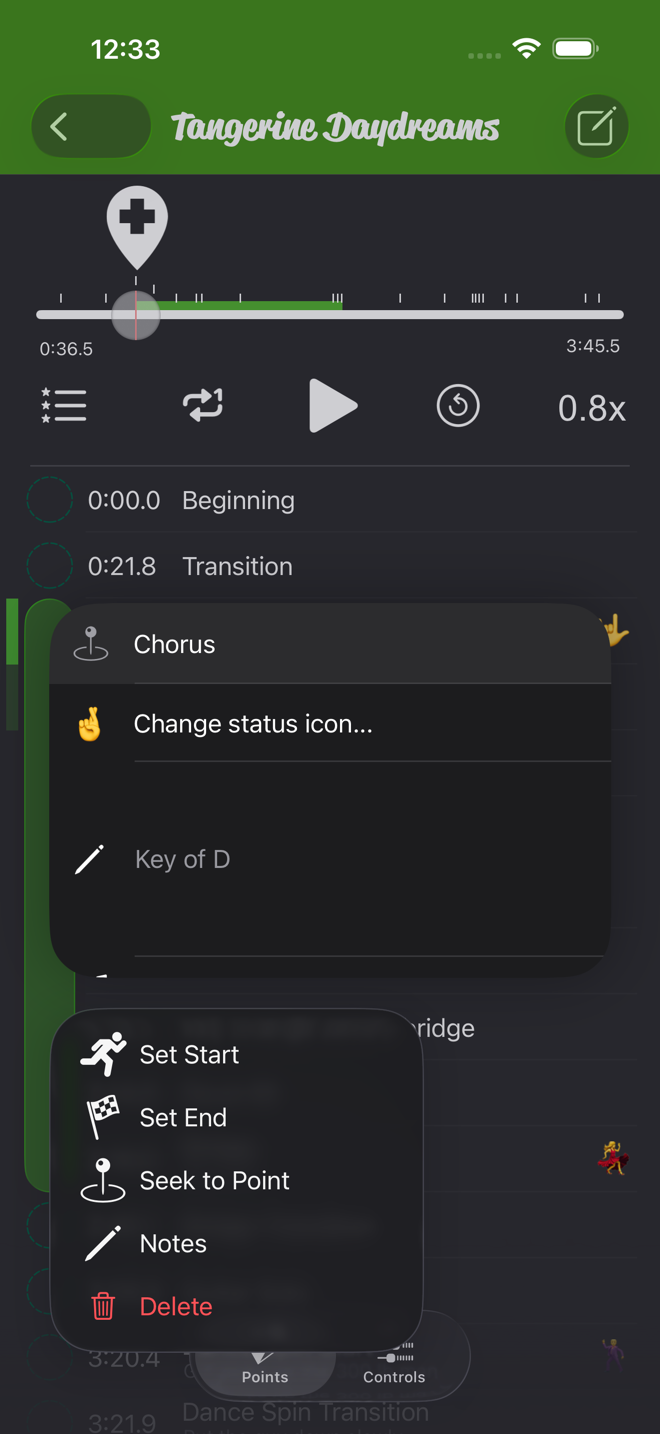
Long-press the start point and choose Notes. Name it after the fill, like "Fill before chorus 2". Put the sticking in the note: RLRR LRLL, or whatever you worked out. Add a status icon so it stands out in the list.

Bring it back up to speed
- Play the loop at 0.5x until the sticking is automatic.
- Nudge the speed up a little at a time. The half-speed guide covers the fine steps.
- When the fill is clean at 1x, Set Start on an earlier point so you play into it from the groove.
Practice Player is free to download, with a paid upgrade for unlimited songs and points.