How to slow down Apple Music songs for practice (no converting)
The Music app has no speed control for songs. Every converter site in search wants you to strip the DRM instead. Don't. Stripping the DRM breaks Apple's terms, and you don't need it.
Why the Music app can't do this
Apple gives podcasts a speed button and gives songs nothing. Every "how to slow down Apple Music" result I found sends you to a converter. It downloads the track, strips the protection, and hands you an MP3 you then have to import somewhere else.
Practice Player plays the song through Apple's own player and changes the rate. The song never leaves your library, and nothing gets converted.
Slow down a song from your library or Apple Music
- Install Practice Player. The download is free.
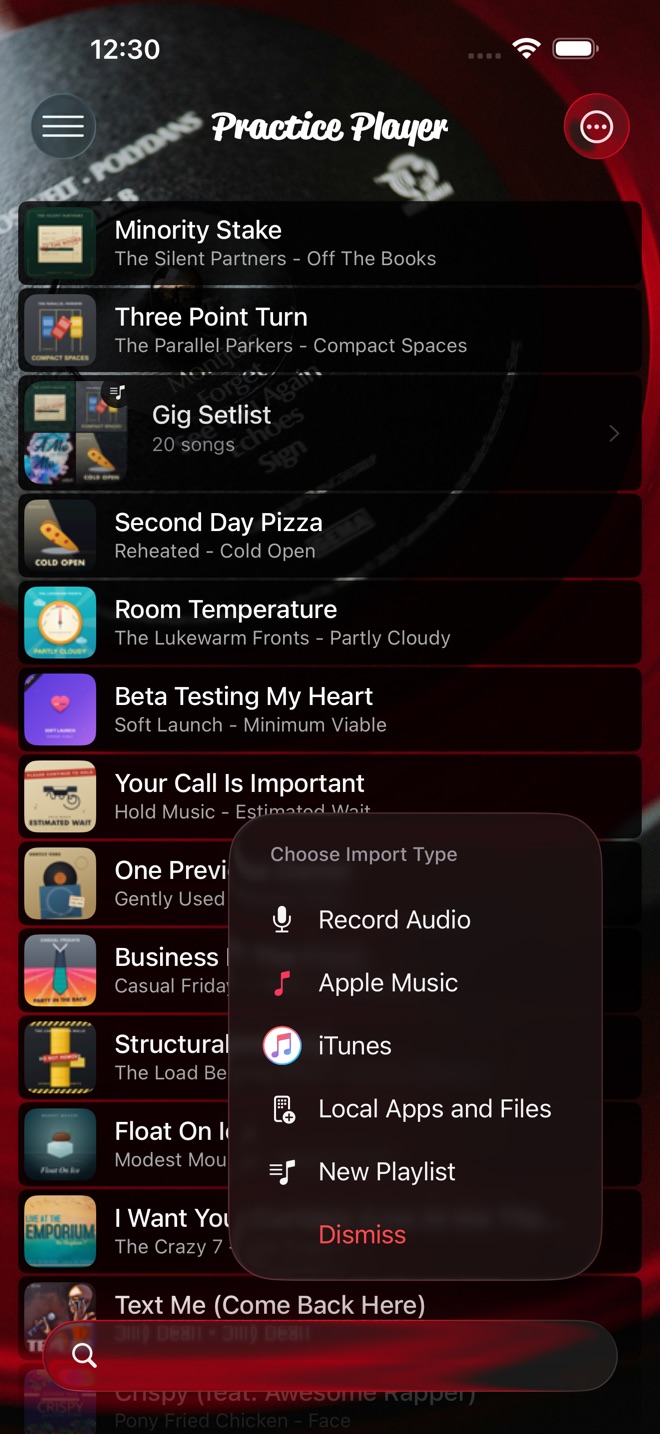
- Tap the add button, choose Apple Music, and type the song name. Results come in two groups. Library is songs already in Practice Player. Apple Music is your Music library plus the Apple Music catalog. Tap one there to add it. A catalog song also gets added to your Music library on the way in.
- Open the song, tap Controls, and drag the speed slider left. The half-speed guide covers the slider and the 0.01x buttons.
The slider runs from 0.33x to 2x out of the box. If you want slower than that, the Speed Range in Advanced Settings goes wider.
Loop the hard part while it's slow
Loop the hard part: two points around it, Set Start on the first, Set End on the second, and it repeats at whatever speed you picked. The loop guide walks through it.
Long-press a point and choose Notes to name it, add a note, or give it an icon. I name mine after what goes wrong there, which is less flattering than it sounds.
What works on streaming tracks, and what needs a download
Speed works on everything. Apple Music streams, songs you own, files you import, recordings you make in the app, all of it.
Pitch and pan are different. They need an unprotected file the app can read directly. They work on your own files, on your recordings, and on songs you bought or ripped and downloaded to the phone. On an Apple Music subscription song, streamed or downloaded, both controls are dimmed instead. Tap one and it tells you why. Apple's protection does not allow it. No app can change that without converting the file.
If you want to transpose an Apple Music song to your key, you need the unprotected file. If you only want it slower, you are already done.
Work the tempo back up
- Start at a speed where you play it clean, even if that is 0.5x.
- Use the plus button to step the speed up, not the slider. Each tap is 0.01x, so ten taps is 0.1x.
- Turn on Metronome Count-In so every loop starts on a count. It uses the song's BPM scaled to the speed you set, so a 120 BPM song at 0.5x counts in at 60. If the app doesn't know the BPM it assumes 120, and you can set the real one on the same screen.
- When a step falls apart, drop back one and play it a few more times.
Practice Player is free to download, with a paid upgrade for unlimited songs and points.