Build a gig setlist that remembers each song's speed, key and loop points
Practice Player remembers how you play each song in your set. The key, the tempo, the bridge you still flub. Put the set in a playlist and each song opens the way you left it.
What gets saved with each song
Every song in Practice Player keeps its own settings, and they come back the next time you open it:
- Speed, wherever you left the slider.
- Pitch and pan, for songs the app can read as a file (your own files, your recordings, songs you bought or ripped and downloaded to the phone).
- Points, with their names, notes and icons, plus which two are the loop's start and end, and whether looping is on.
- The count-in: on or off, the BPM, and the beat count you pick for it.
Change the speed on Tuesday and it is still there on Friday.
Make the setlist
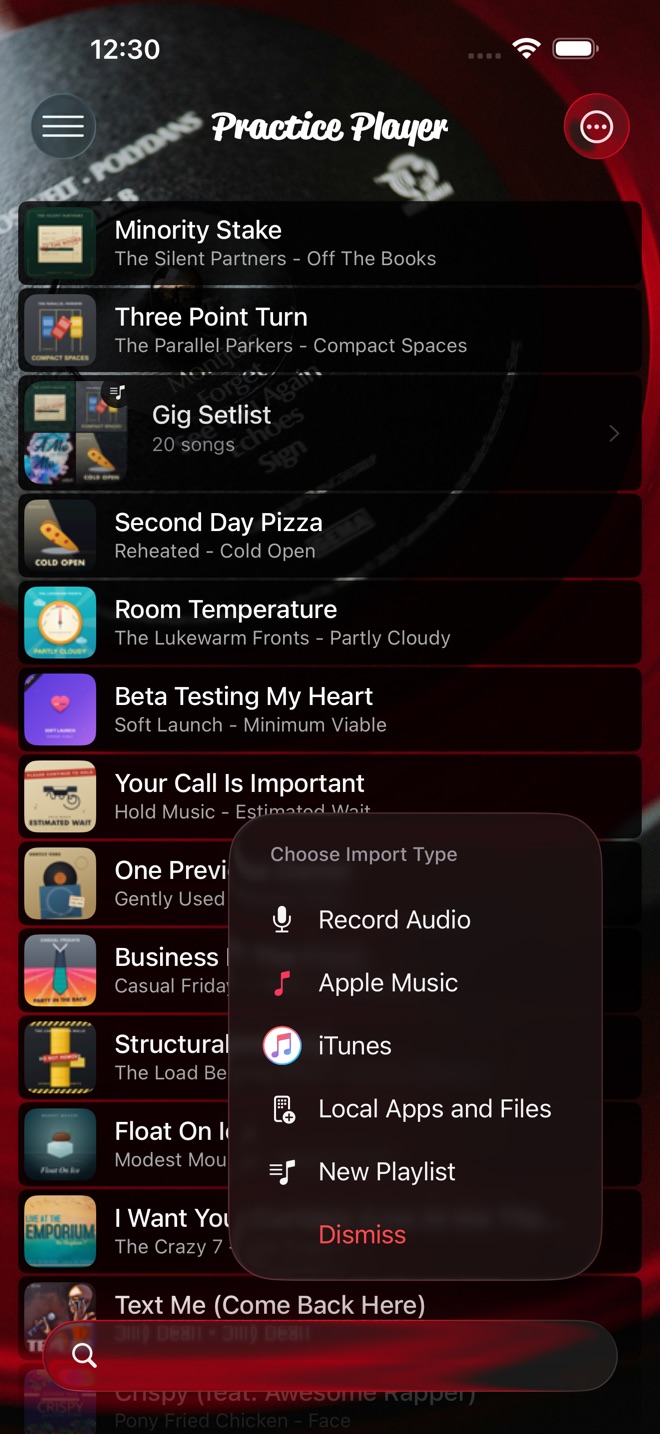
- Tap the add button and choose New Playlist. It opens with the name ready to edit, so type the gig's name.
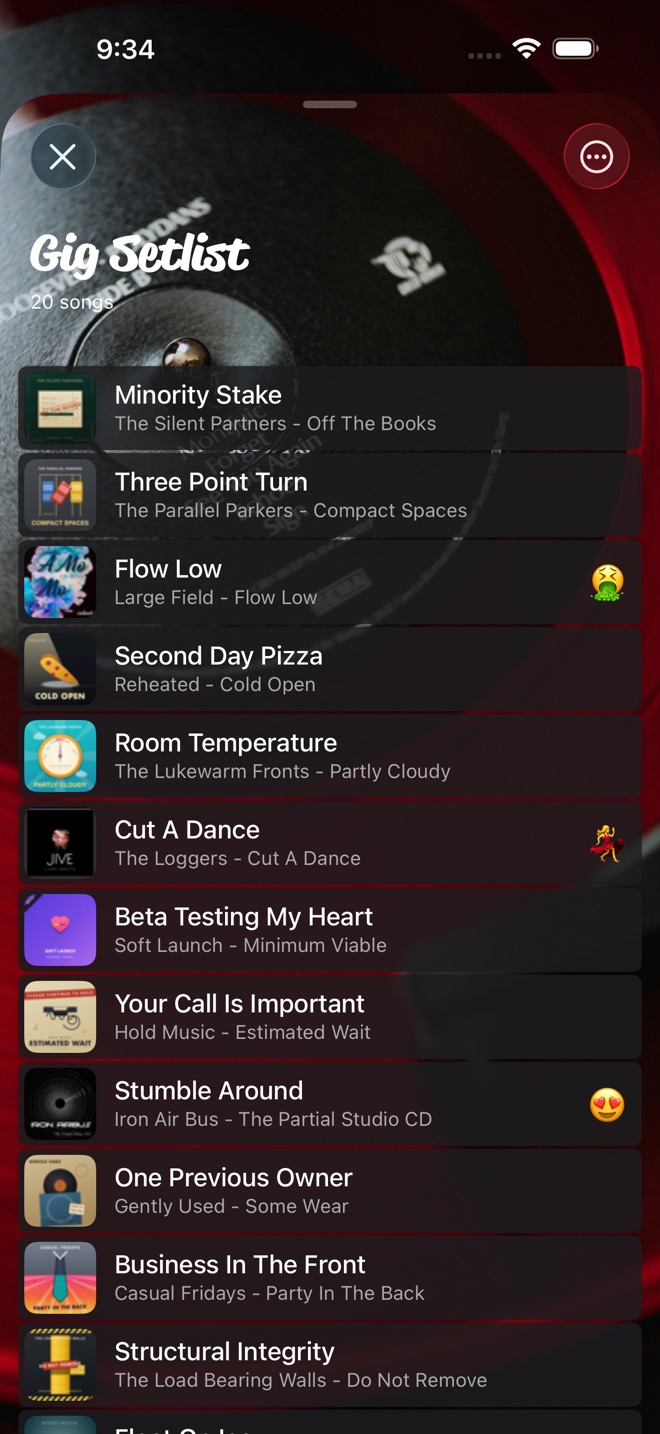
- Long-press a song in your library, choose Add to Playlist, then the playlist. Do that for every song in the set. New songs land at the top of the playlist. Add the closer first, or sort it out in the next step.
- Open the playlist. Press and hold a song and drag it into set order.
Set each song up once
- Open the song and tap Controls. Drop the pitch to your key if pitch is available for the song. Set the speed you rehearse at.
- Tap Points and loop the part you still need to drill, then name the start point after the problem. The loop guide walks through it.
- Turn on Metronome Count-In and set the BPM, so the song counts you in at rehearsal.
Rehearse the set, then play it
For rehearsal, go song by song and loop the parts you marked. When a part is clean, Set Start on Beginning, Set End on End, and turn the loop off. The song then plays through once and stops. Then nudge the speed toward 1x. The Reset next to the speed slider gets you there in one tap.
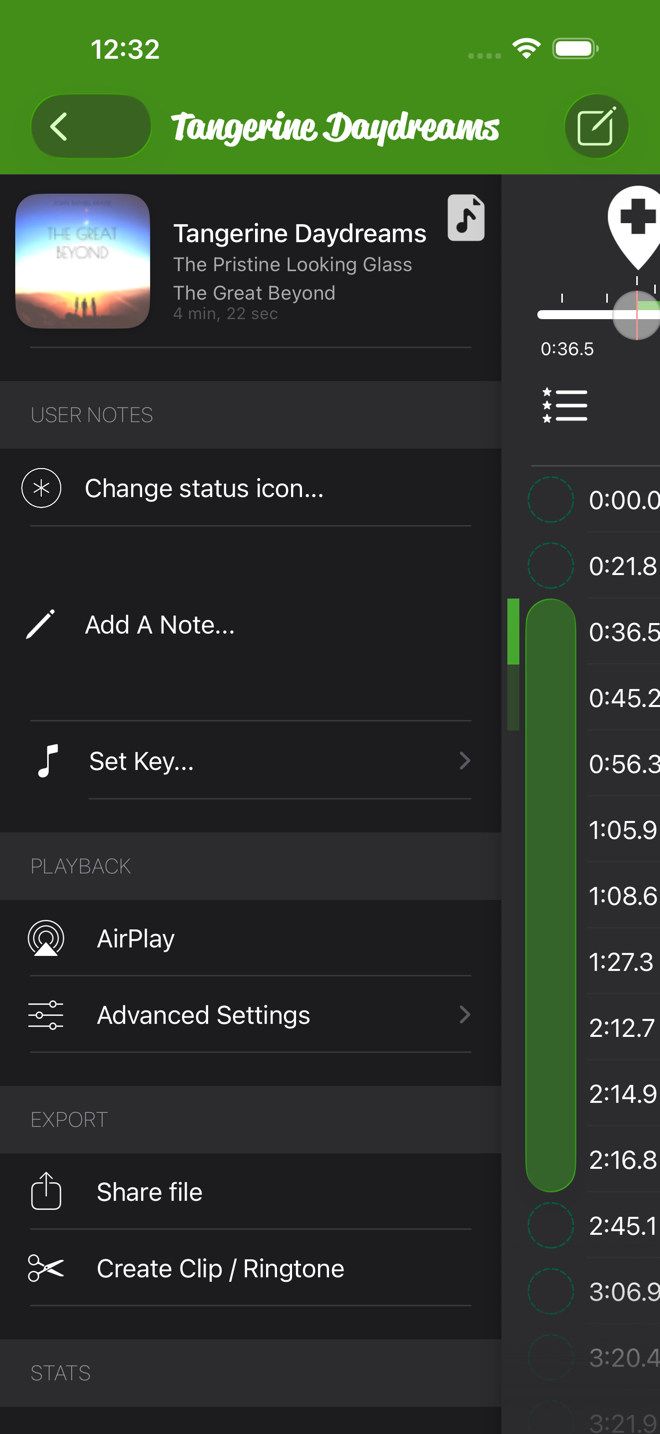
At the gig, play the set from the playlist one song at a time. Tap the next song when the last one ends. Pick the PA from AirPlay in the playlist's ⋯ menu, over AirPlay or Bluetooth. Each song comes up at the key you set, where pitch works. Just make sure the speed is back on 1x. Nobody wants to find out at the first chorus that the drummer left the ballad at 0.8x.
Practice Player is free to download, with a paid upgrade for unlimited songs and points.